Salesforce is a leading cloud-based CRM platform that empowers businesses to manage customer relationships, streamline sales processes, and automate marketing workflows. When connected to SaaS Manager Plus, Salesforce becomes even more powerful—giving you better visibility, control, and insights into your CRM usage and licensing.

Integrating Salesforce with SaaS Manager Plus allows you to track license usage, manage users efficiently, and uncover hidden cost-saving opportunities across your CRM environment.
Here's why Salesforce integration is a smart move for your SaaS management strategy:
SaaS Manager Plus collects essential data from Salesforce, including user IDs, login history, license details, and usage status. This helps you get a complete picture of how your Salesforce licenses are being used.
Track last login details to identify inactive users or dormant accounts. Spotting underused licenses becomes easier, helping you take quick action to optimize spending.
Gain clarity on how many licenses are in use and how many are sitting idle. SaaS Manager Plus helps you avoid unnecessary renewals and over-licensing.
By identifying inactive users and unused licenses, the platform reveals cost-saving opportunities that often go unnoticed.
Monitor login activity and detect if licenses are being paid for but not actively used. Reclaim or reassign them before your renewal cycle hits.
Combine Salesforce data with insights from your other SaaS tools in a single dashboard. Simplify reporting and take control of your entire stack from one place.
The integration uses OAuth 2.0 for secure authentication and adheres to required scopes and permissions, ensuring compliance with internal policies and external standards.
Follow these steps to gather everything you need before setting up the integration:
1. To create client ID and client secret:
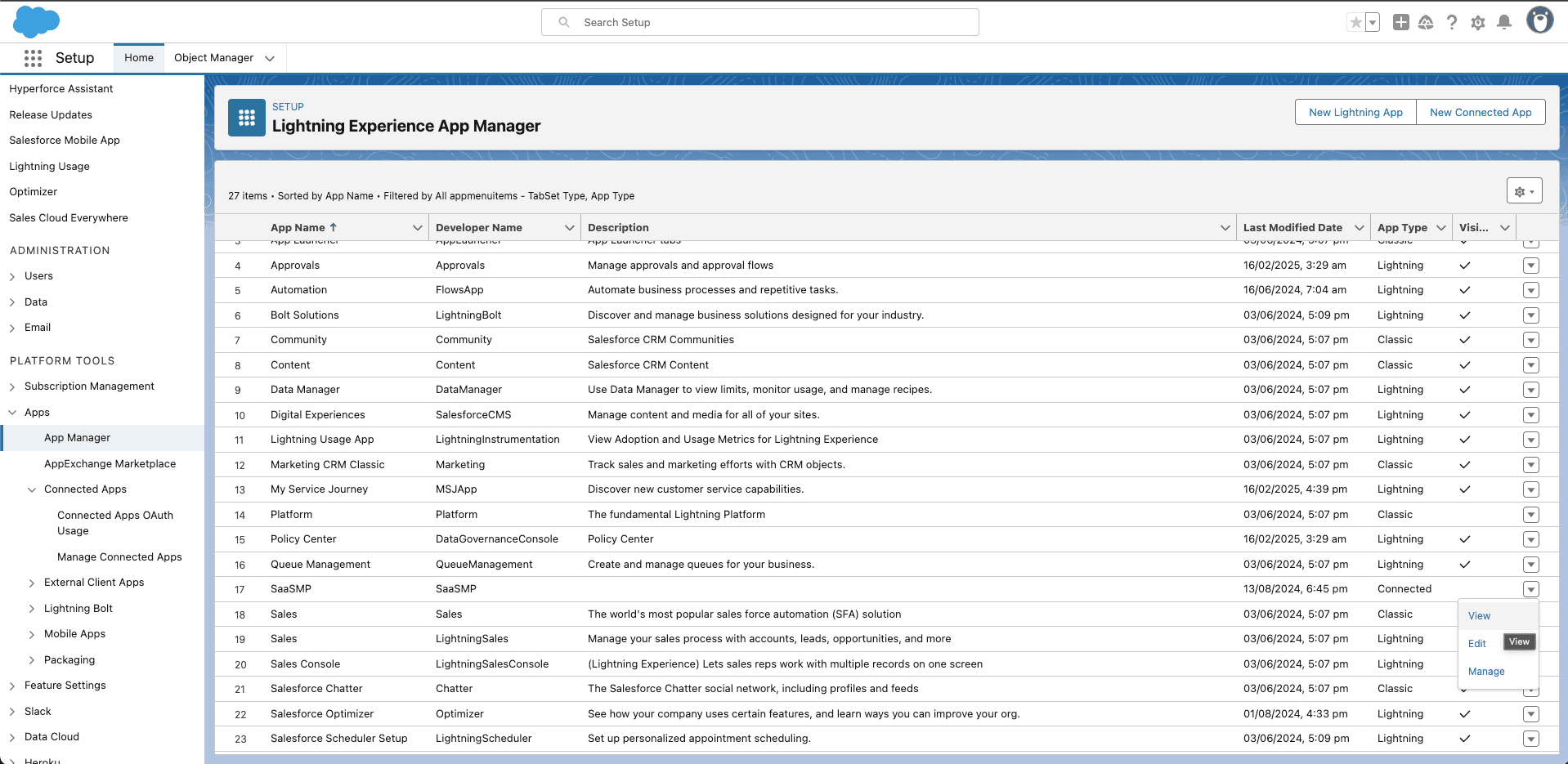
2. To obtain your instance name:
To manually integrate Salesforce with SaaS Manager Plus
Integrating Salesforce with SaaS Manager Plus unlocks real-time insights into user activity, license usage, and cost efficiency, giving you the tools you need to better manage your CRM investments and drive more value from every license.
